IntegrationsPro
Send entries to Zapier, HubSpot, Mailchimp and WhatsApp, and import Google Forms.
Requires Neural Forms Pro (with Lite installed and active).
Integrations connect Neural Forms to the tools your team already uses. They are part of Neural Forms Pro; in Lite the Integrations screen shows what Pro adds.
How integrations work#
- Connect the service once in Neural Forms → Integrations. Each service has its own tab. A red dot on a tab means it is not configured yet.
- Turn it on per form: open the form, click the Settings tab, then Integrations, and set up each service for that form (field mapping, audience, recipients…).
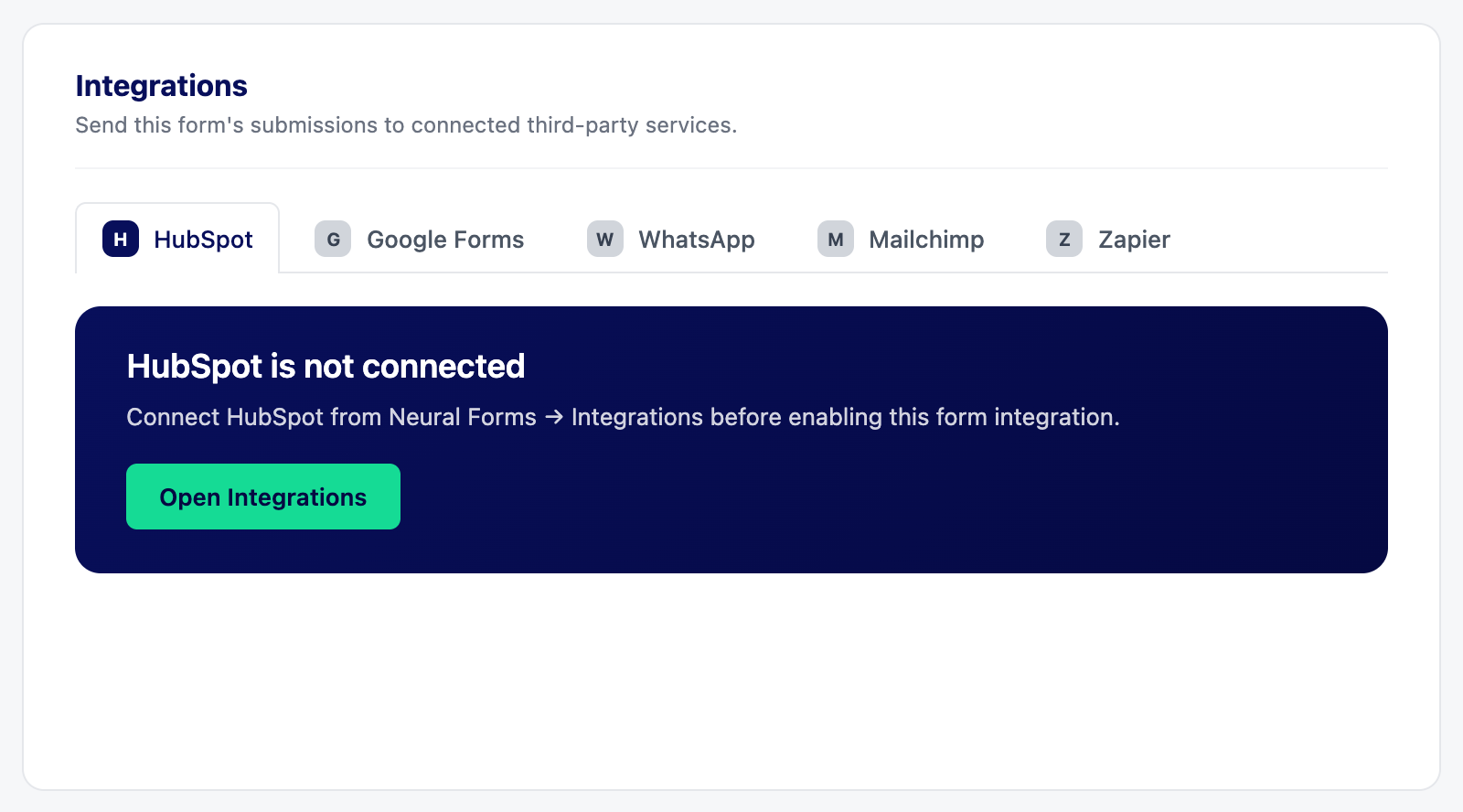
| Service | What it does |
|---|---|
| Zapier | Sends each submission to a Zap, to reach thousands of apps |
| HubSpot | Sends submissions to a HubSpot form, creating contacts in your CRM |
| Mailchimp | Adds submitters to a Mailchimp audience with merge-field mapping |
| Sends your team a WhatsApp alert for every new entry | |
| Google Forms import | Imports existing Google Forms into Neural Forms |
API keys and tokens are encrypted when saved and never shown again. To change one, paste a new value; leave the field blank to keep the current one.
- ZapierProSend every submission to Zapier and on to thousands of apps.
- HubSpotProSend submissions to a HubSpot form so leads land in your CRM.
- MailchimpProAdd submitters to a Mailchimp audience, with tags and merge fields.
- WhatsApp alertsProGet a WhatsApp message for every new entry, through WhatsApp Business.
- Import from Google FormsProBring existing Google Forms into Neural Forms.