
Row & Column Layouts
Row and column layouts for multi-column forms
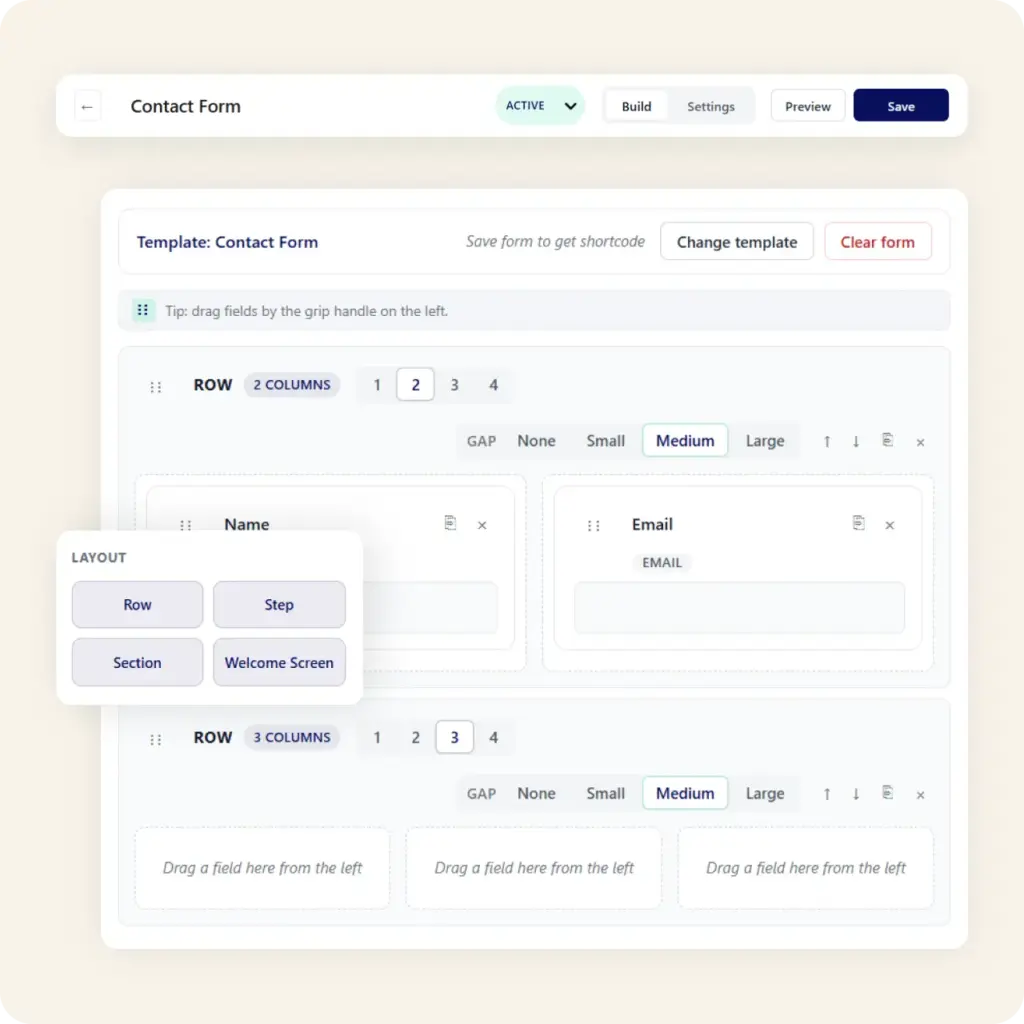
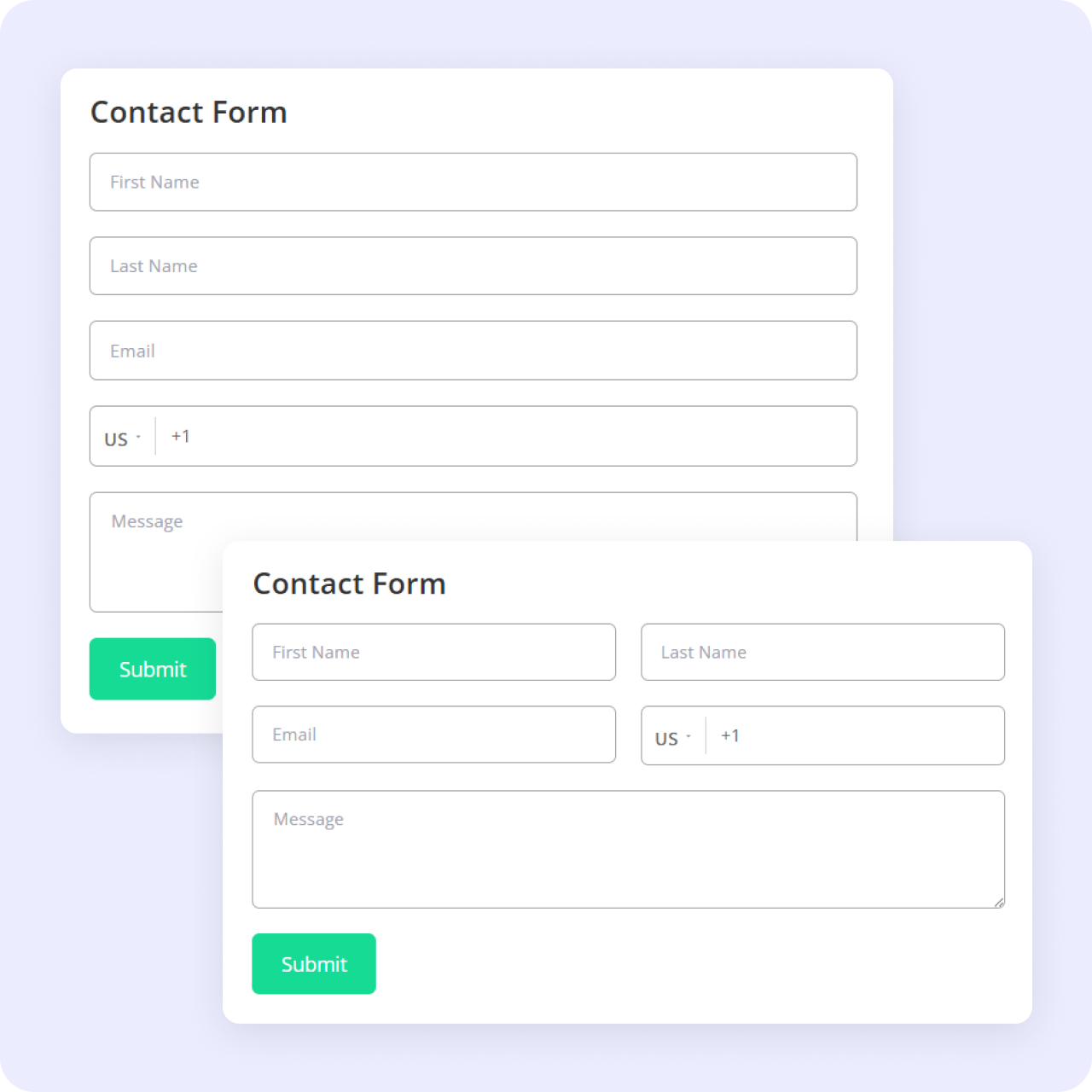
A multi-column form layout in WordPress lets you place fields side by side, so a first and last name sit on one row instead of stacking into a long single column. Neural Forms handles this in the visual builder, where you arrange fields into rows and columns and see the result as you work.
How It Works
Shorter-looking forms, same questions
A single-column form grows tall fast, and tall forms look like work. Arranging related fields into columns (name pairs, city and zip, date ranges) keeps the form compact without cutting questions. You control the arrangement in the builder.
Publish anywhere
Layouts that carry through wherever the form lives
Build the layout once and publish it anywhere Neural Forms embeds: the Neural Forms block, a shortcode, or the native Divi 5 modules on paid plans (Starter $99/yr and Agency $199/yr). Multi-step forms use the same builder, so a stepped form can use row and column arrangements too.
Who this helps
Built for designed pages and bigger forms
Designed pages
Site owners embedding forms into designed pages where a long single column would break the layout.
Bigger forms
Anyone building applications, registrations, or quote requests that need to stay scannable without stacking dozens of fields vertically.
Neural Forms
Layout control is part of the free builder
See everything it does on the features page, or download Neural Forms free on WordPress.org.
30-Day Money Back Guarantee. No Questions Asked!