
Use Cases
One form builder, every use case
Neural Forms builds the forms a site using WordPress actually runs on: contact forms, job applications, booking requests, surveys, lead capture, event registrations, and donations. Start from a ready-made template or describe the form you want and let the AI draft it, then adjust fields with drag and drop. Every submission lands in a built-in inbox where the AI summarizes it, sorts it by priority, and drafts a reply. Pick the form you need below, or download the free Lite plan and build it today.
Ready-to-Use Scenarios
Pick your use case, start building
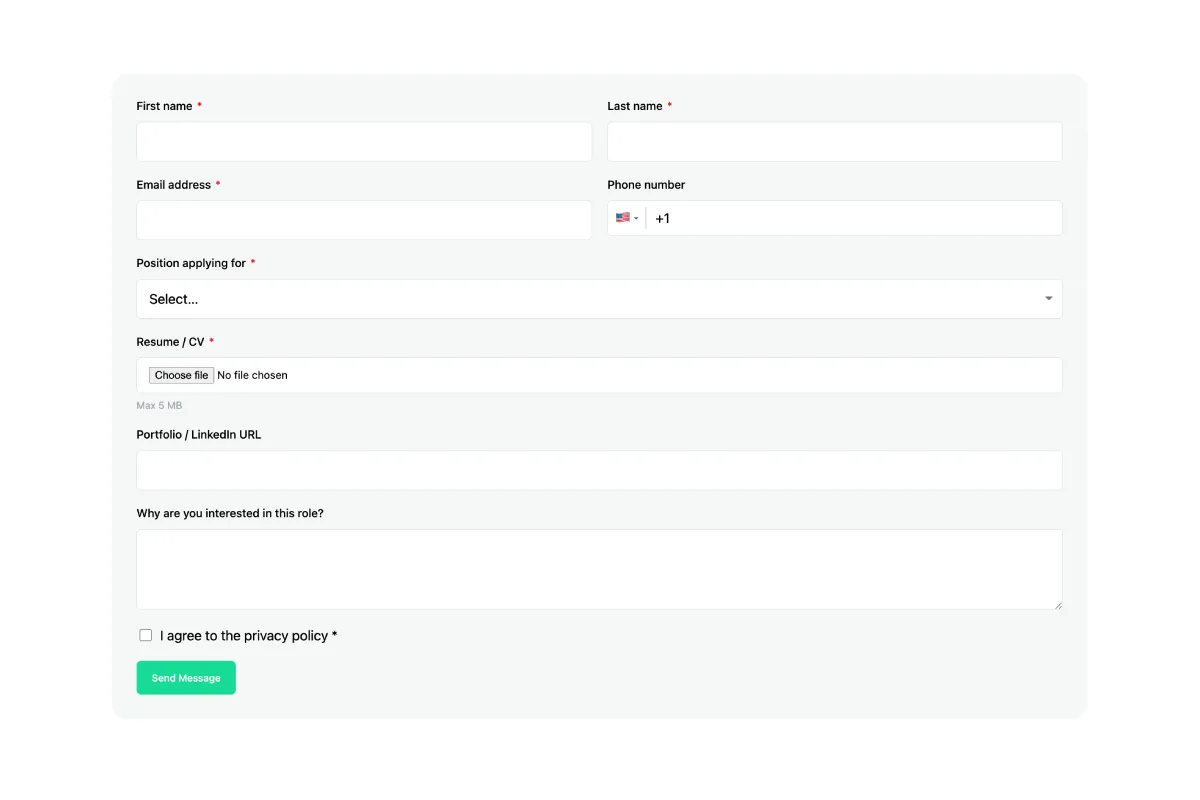
Each use case below is a working example with the fields it needs and a template you can load in one click. Choose the closest match and customize from there.
Why it matters
Why a purpose-built form converts better
A generic form asks the same questions of everyone and loses people who do not fit. A form built for its job asks the right fields, hides what is not relevant, and routes the result to the right place. Neural Forms gives every use case the same foundation.
Mobile-responsive by default
Mobile responsive 1-to-4-column layouts, so forms hold their shape on any screen.
Two ways to build any form
Load a one-click template for the use case you picked and edit the fields, or describe the form in plain English and let Neural Forms generate the structure, labels, and validations for you. Either way you finish in the WordPress editor with drag-and-drop control.
Neural Forms
Build your first form free
The Lite plan is free and includes 18 field types, multi-step layouts, file uploads, and the lead inbox. Paid plans add more AI credits and integrations, starting at $99/year for Starter and $199/year for Agency, with a 30-day money-back guarantee.
30-day money-back guarantee · Unlimited sites
FAQs
Frequently asked questions
Contact forms, job application forms, surveys, feedback forms, event registrations, appointment bookings, quote requests, lead capture, order forms, donation forms, and more. Each use case has a template and an example on this page.
No. You build forms with a drag-and-drop editor, or describe the form you want and let the AI draft the fields, labels, and validations for you.
Yes. The free Lite plan includes the one-click templates, 18 field types, multi-step layouts, file uploads, and the lead inbox.
Yes. File upload is a standard field, and multi-step layouts with progress bars keep long forms, like job or membership applications, manageable.
Every submission lands in a built-in inbox inside WordPress, where the AI summarizes it, assigns a priority, and drafts a reply. You can also push submissions to HubSpot, Mailchimp, Zapier, or WhatsApp.
The Lite plan is free. Starter is $99/year and Agency is $199/year, both with unlimited sites, more AI credits, and all five integrations. Paid plans include a 30-day money-back guarantee.