
Use cases
Run customer and employee surveys on your own site
Run a customer survey or an employee survey on your own site, and keep every response in WordPress instead of a separate survey service. Neural Forms splits long surveys into steps with a progress bar, and AI can summarize the open-ended answers so you are not reading every paragraph cold.
This page is about running a survey from start to finish: planning the questions, keeping people to the end and reading the answers. For the full list of survey question types and settings, see the survey form features.
Who it is for
Marketers, researchers and product teams asking structured questions
Marketers checking how customers found them, researchers running short questionnaires, product teams testing an idea before building it, and HR teams running a staff pulse check on an internal site. It suits any survey where answers need to be compared side by side.
Survey questions
Question types for a survey
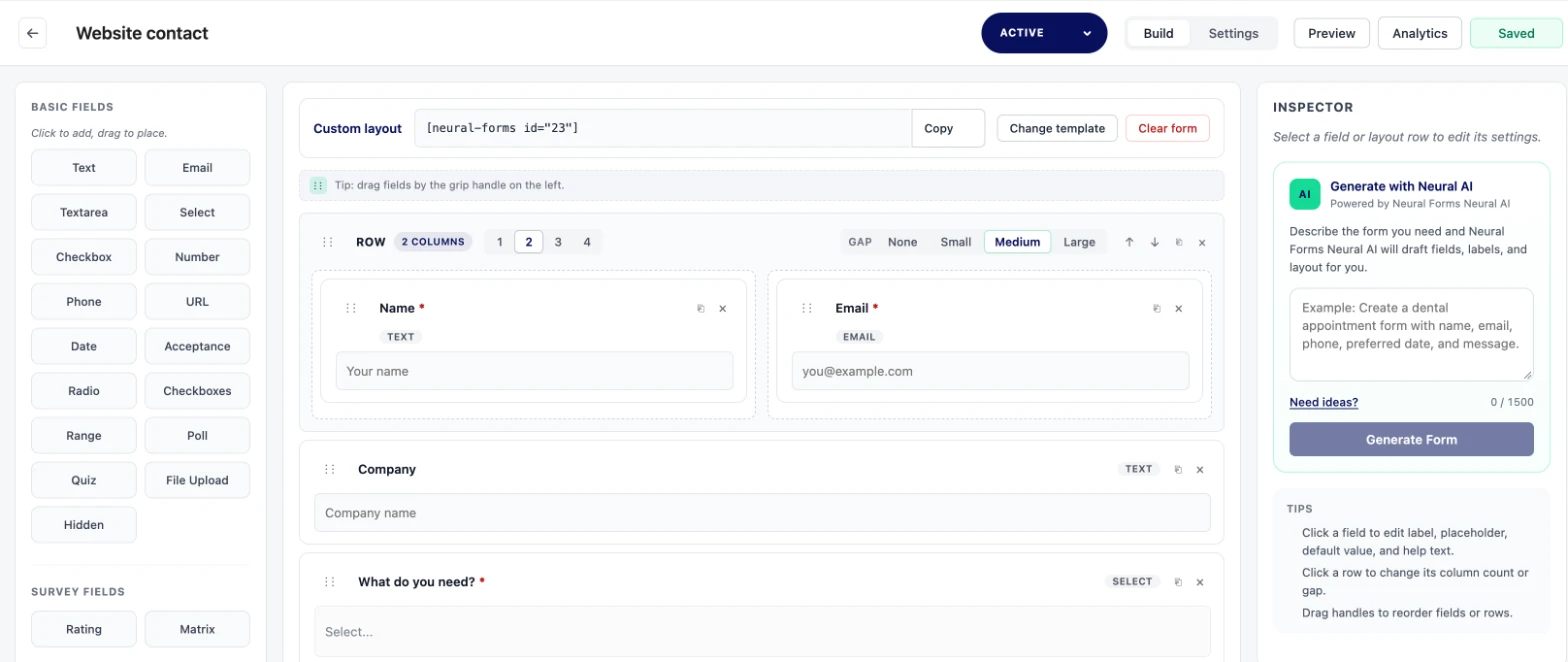
Mix closed questions you can count with one or two open questions you can read. Every type here works in the free Lite plan except Matrix.
Single choice
How did you hear about us? One answer per person.
Multiple choice
Which features do you use? Respondents pick all that apply.
Satisfaction score
Stars on a scale of up to 10.
Scale question
A slider for likelihood or agreement, with your own minimum, maximum and step.
Grid of statements
Rows of statements against columns such as Disagree to Agree, with one answer per row or several. Columns can carry a score.
Segment
Role, team size or region, so you can split results in a spreadsheet later.
Open question
What would you change? This is the answer AI summarizes.
Email, optional
Only if you want to follow up. Leave it out of anonymous surveys.
Survey round
A fixed value, such as Spring 2027, saved with every response so you can tell rounds apart in the export.
Setup guide
Set up a multi-step survey
Five steps, with the built-in Survey template as the starting point.
Load the Survey template
Start from the built-in Survey template. On Pro, you can describe the survey in plain English and let AI draft the questions instead.
Split it into steps
Add a Welcome Screen with a title and start button, group the questions into steps, and pick the progress bar that shows “Step X of Y”.
Ask follow-ups only when relevant
Give a follow-up a “show this field if” rule, for example show “What stopped you?” when the score is less than or equal to 2.
Preview the whole run
Preview shows the unsaved survey as respondents will see it. Each step is checked before Next moves on.
Publish and share the page
Add the Multi-step block in the block editor, or on Pro use the Neural Multistep module for Divi 5.
Why Neural Forms
Why run surveys with Neural Forms
What helps people finish, and what helps you read the results.
No response limit on surveys
Survey and multi-step forms accept unlimited responses on every plan, Lite included.
Matrix questions (Pro)
Rate several statements on the same scale in one grid, one answer per row or several, with an optional score per column.
FAQ
Survey questions answered
Can I make the survey anonymous?
Yes. Leave out name and email fields and switch on privacy mode, which stops the IP address and browser details being stored with each response.
Does AI summarize all responses at once?
No. AI summarizes each response on its own. To see patterns across many responses, export to CSV and work through the answers in a spreadsheet.
Is there a limit on how many responses I can collect?
Not for surveys. The 200-entry cap in Lite applies only to poll and quiz forms.
Can respondents save and finish later?
No. There is no save-and-continue option, so keep the survey short enough to finish in one sitting. Steps and a progress bar help.
Can I see charts of the results?
The built-in results charts are for poll and quiz forms. For survey answers, export to CSV and chart them in your spreadsheet.
Can I tag responses by campaign or source?
Only with a fixed value. A Hidden field stores the same value on every response, so use one form per campaign if you need to tell them apart. Hidden fields are not filled from URL parameters or UTM tags.
Neural Forms
Start your next survey
Multi-step surveys, unlimited responses and CSV export are free in Lite. Starter ($99/year) and Agency ($199/year) add Matrix questions, automatic AI summaries and Google Forms import.
Free Lite plan · 30-day money-back guarantee on paid plans