
Divi 5 modulesPro
Add forms, multi-step forms, polls and quizzes in the Divi 5 Visual Builder.
Requires Neural Forms Pro (with Lite installed and active).
Neural Forms Pro adds four modules to the Divi 5 Visual Builder, so you can place and style forms without leaving Divi.
| Module | Use it for |
|---|---|
| Neural Forms | Contact, lead and other standard forms |
| Neural Multi Step | Forms split into steps |
| Neural Poll | Polls with live results (see Polls) |
| Neural Quiz | Scored quizzes (see Quizzes) |
Before you start#
- Divi 5 is your active theme.
- Neural Forms Lite and Pro are active (install Pro).
- You have created the form in Neural Forms → Forms.
Add a module#
- Open the page with Edit With Divi.
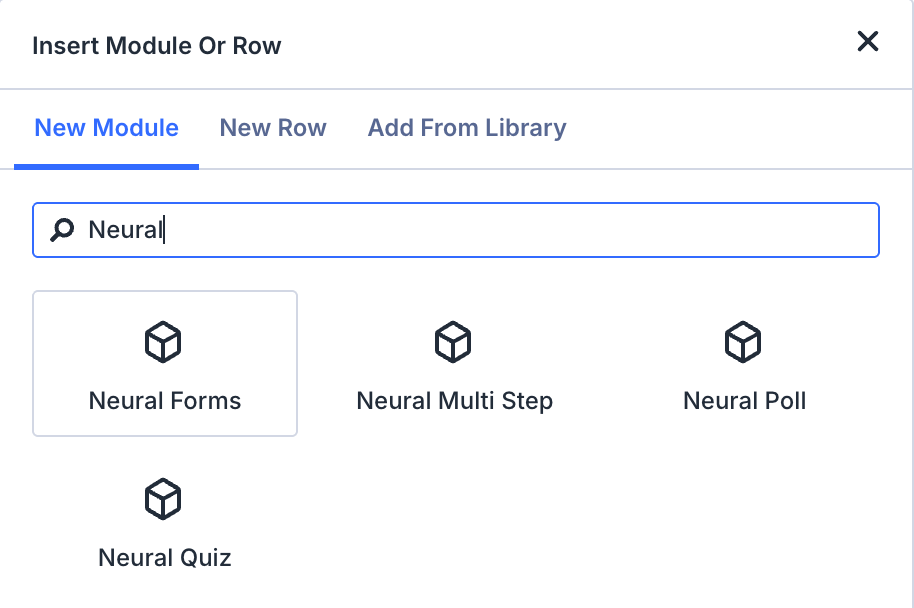
- Click + in a row and search for Neural.
- Pick the module, for example Neural Forms.
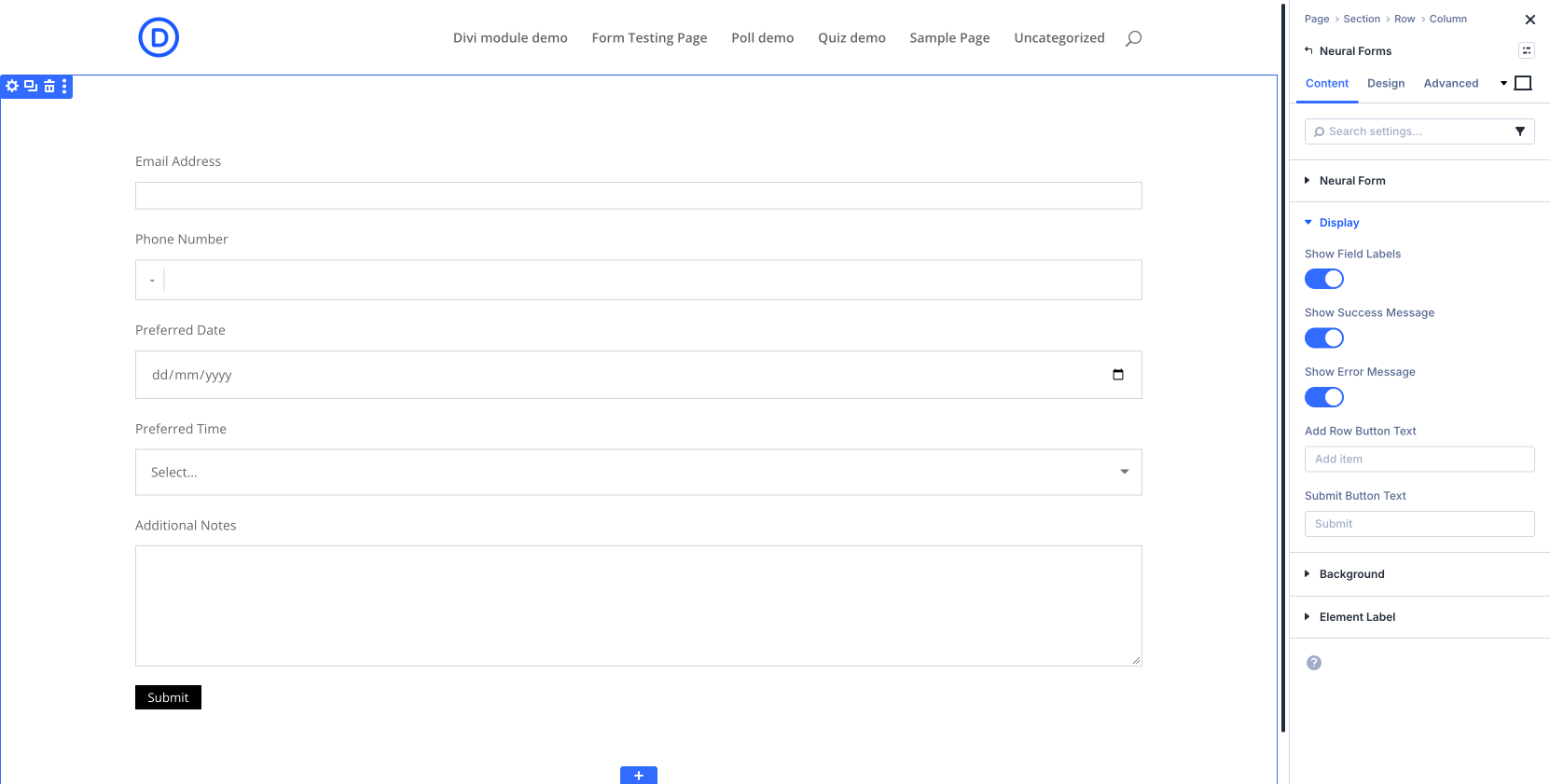
- In the module’s Content tab, choose your form under Select Form. The live preview appears straight away.
- Adjust the Display options and style it in the Design tab, then Save.
Content tab#
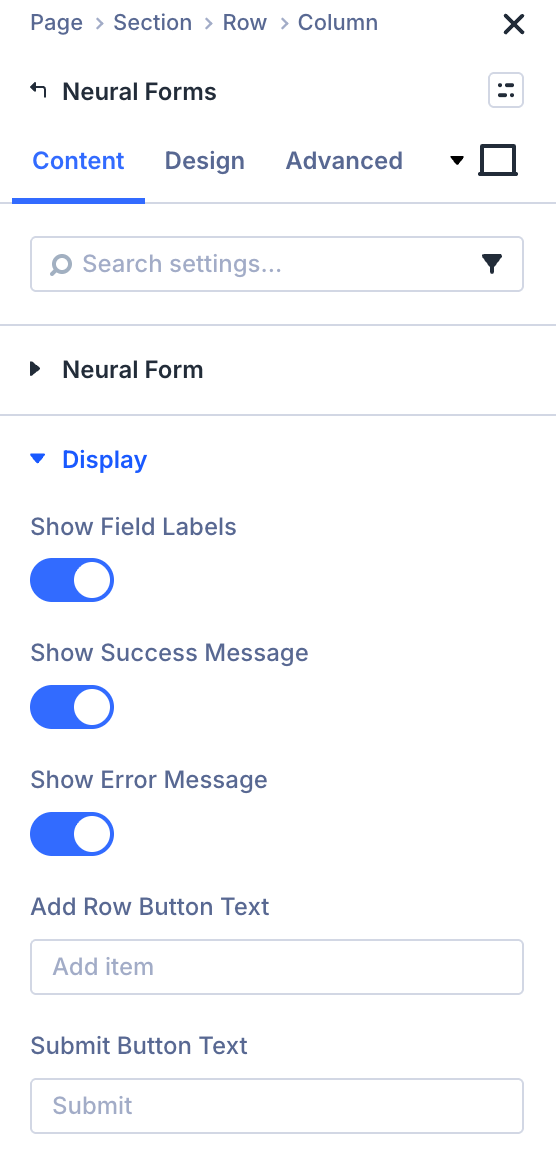
| Setting | What it does |
|---|---|
| Select Form | The form to show. Each module lists the forms that suit it. |
| Title Text | Optional heading shown above the form. |
| Show Field Labels | Show or hide labels above fields. |
| Show Success Message / Show Error Message | Show the message after a successful or failed submit. |
| Add Row Button Text | Button text for Repeater fields (default “Add item”). |
| Submit Button Text | Override the submit button label. |
Design tab#
Style every part of the form with Divi’s controls: Labels, Input Fields, Textarea, Radio, Checkbox, Acceptance, Rating, File Upload, Repeater and Matrix fields, Field Errors, Success Message, Error Message, Submit Button and Welcome Screen, plus Divi’s standard Sizing, Spacing, Border, Box Shadow, Filters, Transform and Animation groups.
The modules need Divi 5. On Divi 4 or other page builders, use the shortcode.

