

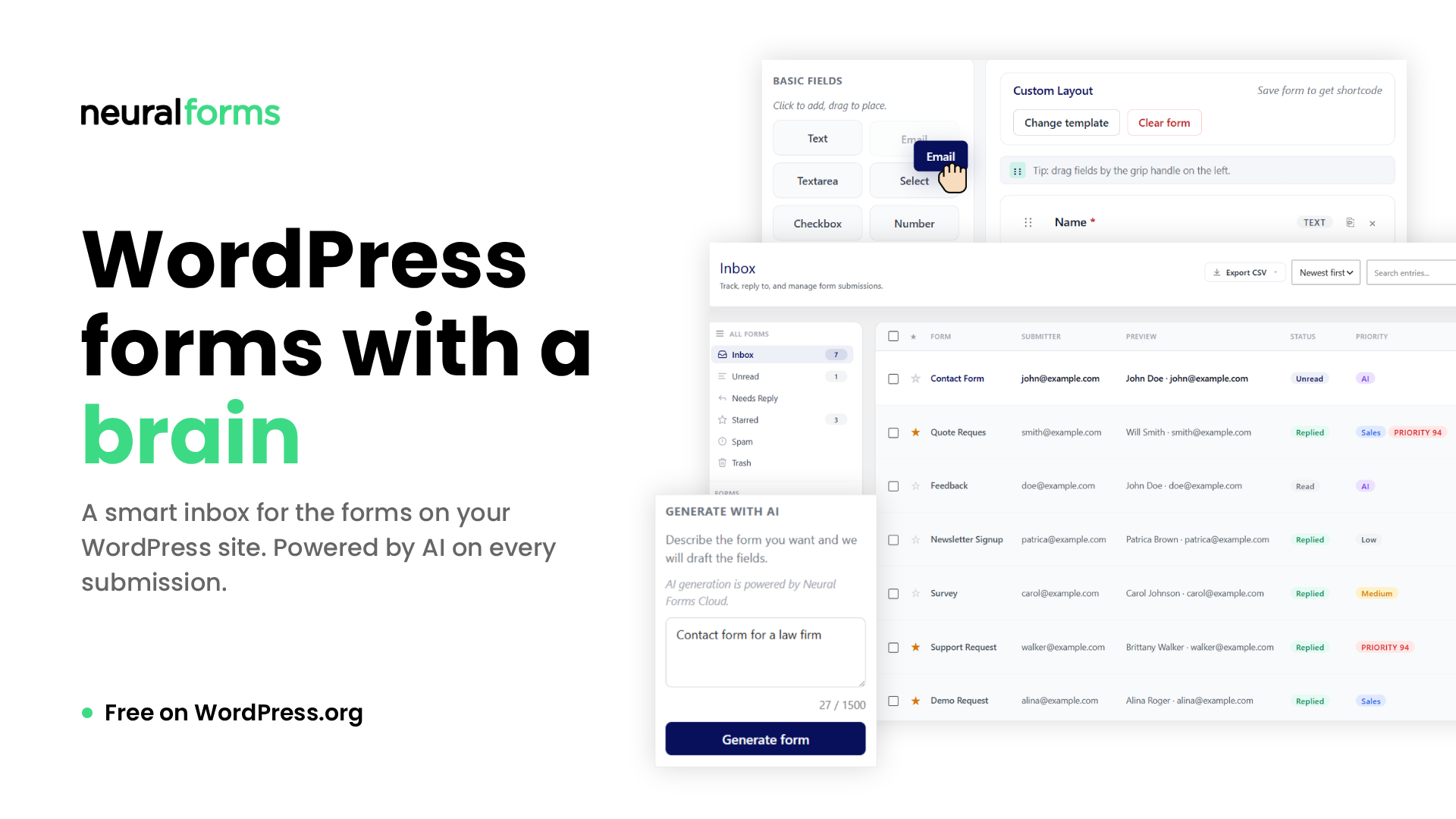
Every WordPress form plugin stops at collecting submissions. We thought that was strange.
You set up a contact form. Someone fills it out. You get an email. You reply from your email client. You forget which form the lead came from. You lose track of who you replied to and who’s still waiting. The submission sits in your database, unloved, unsearchable, untriaged. A week later, you’re scrolling through your inbox looking for that one quote request from Tuesday.
This is how WordPress has handled form submissions for long. Neural Forms is our take on what comes after.
What makes Neural Forms different
The form builder is where you start, but the inbox is what sets Neural Forms apart from every other form plugin you’ve used.
Once your first form is published and submissions start coming in, you’ll see what we mean.
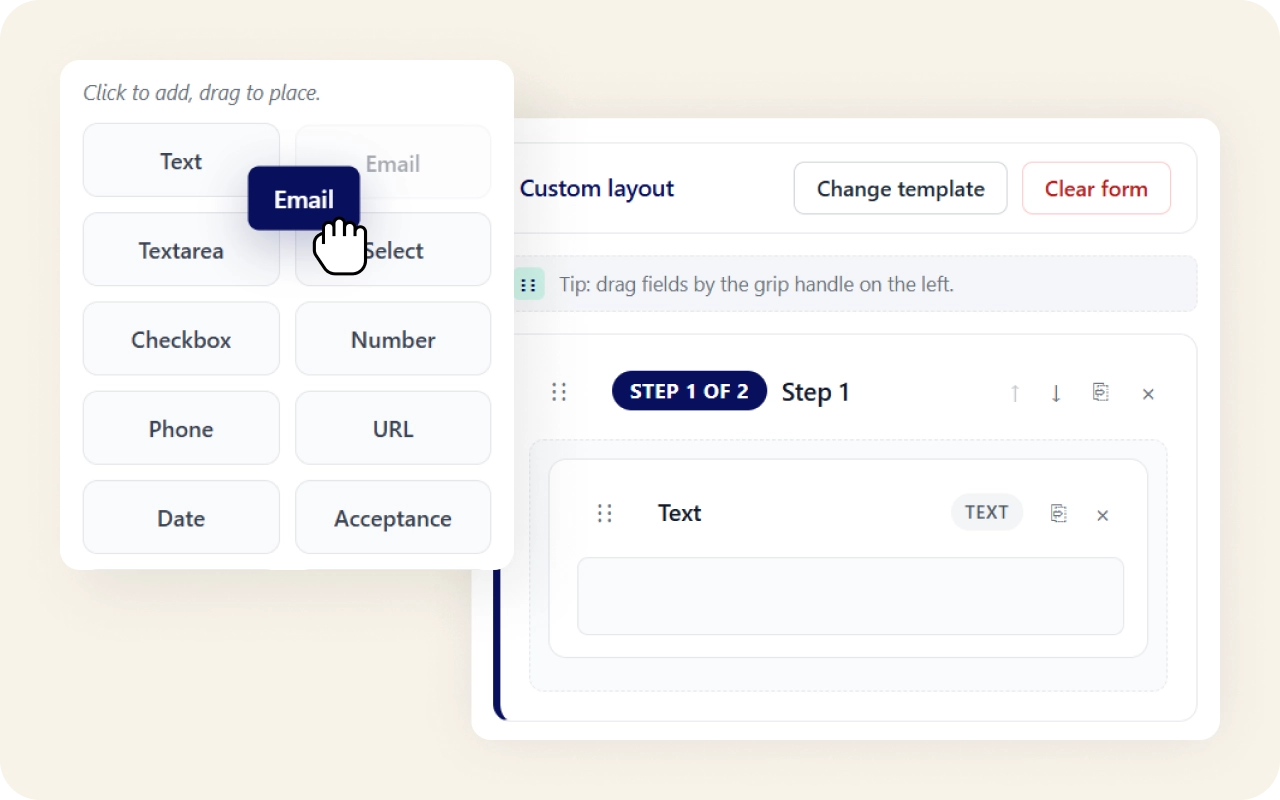
A drag and drop form builder that does the job
Drag and drop. 18 field types in the free version including text, email, file upload, multiple choice, rating, range, hidden, and quiz. Multi-step forms with progress indicators. Conditional logic to show or hide fields based on prior answers. Row and column layouts so you can build two-column or three-column rows that stack to single column on mobile.
When you click New Form, you get three ways to start:
- A blank canvas.
- A starter template
- A form generated by AI from a short prompt (Pro).
Eight starter templates are baked right into the builder including Contact, Appointment, Quote Request, Feedback, Testimonial, Newsletter Signup, Poll, and Quiz. A wider library of prebuilt forms covers booking, contact, feedback, job application, newsletter, and registration use cases, ready to import in one click.
Already using Contact Form 7? One-click migration imports your existing forms. Fields, labels, validation rules, all carried over. Your old forms keep working in CF7 while you decide what to do next.
Native Gutenberg block. Shortcode for everywhere else. Compatible with every WordPress theme.
A smart inbox for the forms on your WordPress site
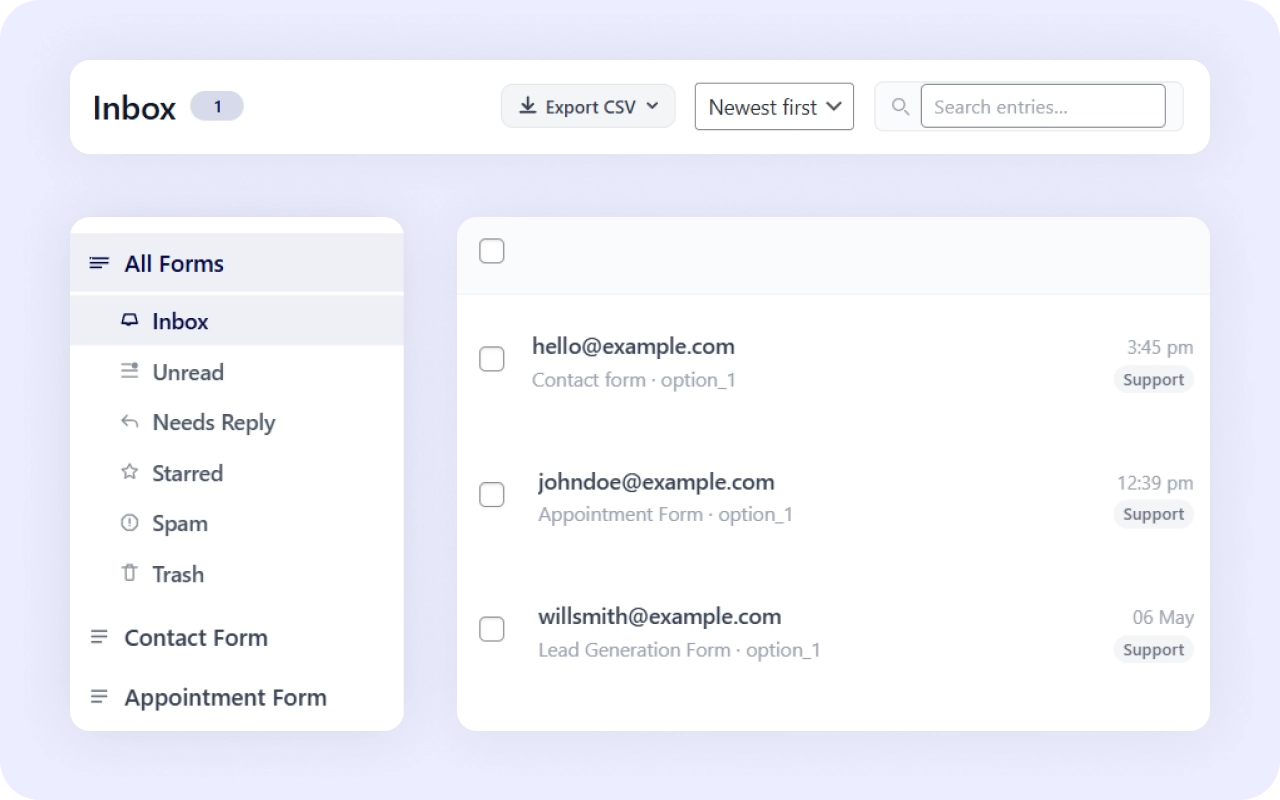
The inbox looks like email. Status badges (new, read, spam). Star the important ones. Search by name or content. Filter by date. Open any submission to see the full thread, including the reply you sent, when you sent it, and what came back.
Every form on your site lives in one inbox. Click into any single form to see only its submissions. Export to CSV with date filters: last 7 days, last 30 days, this month, last month, all time. Clean data, your control, no third-party dashboard to log into.
The inbox is what most form plugins don’t have, and it changes how WordPress forms actually work.
Your data stays in WordPress
Every submission is stored in your own WordPress database, not on an outside service. The inbox, search, and filters read from that data, so you are not logging into a separate dashboard or paying to reach your own entries. AI is the one exception: when you turn it on, submission content is sent to the Neural Forms AI service, and the summary, category, and score come back to your inbox.
AI on every submission
The inbox gets smarter when AI is turned on.
Every form submission gets analyzed automatically. The AI generates a one-sentence summary, assigns a category (sales, support, inquiry, complaint), calculates a priority score from 0 to 100, and detects spam. A draft reply is ready to send from the inbox, written in context with the submission content.
You stay in control. The AI drafts. You review and send. Nothing goes out automatically.
100 free AI credits come with every signup, no credit card required. That’s 100 submissions analyzed for free, lifetime. The form builder, the inbox, the email notifications, the CAPTCHA, the CSV export, all of it works without any AI key at all. AI is optional, additive, and never blocks the basics.
On Pro, you can adjust a draft before it goes out: polish it to change the tone or length, or regenerate it for a different version. The reply still sends only when you click send.

Integrations that pass leads to your other tools
Pro plans add five native integrations, so a submission can go further than the inbox. When a form comes in, Neural Forms can add or update a contact in:
- HubSpot and add a subscriber to a Mailchimp audience.
- Zapier connects Neural Forms to other apps you already use. This open a wide options for you to handle your form data.
- WhatsApp sends you a message when a new submission arrives, so you see a lead without opening your dashboard.
- Google Forms rounds out the five. You set up each connection once, and it runs on every matching submission after that.
Spam handling built in
Every plan includes CAPTCHA to stop bot submissions before they reach your inbox, and the inbox has a spam status so flagged entries stay out of your main view. On Pro, AI spam detection reads each submission and scores it, so junk that gets past CAPTCHA gets filed while real leads stay in sight. Open the spam view any time to check what was caught and move anything back.
Native Divi modules
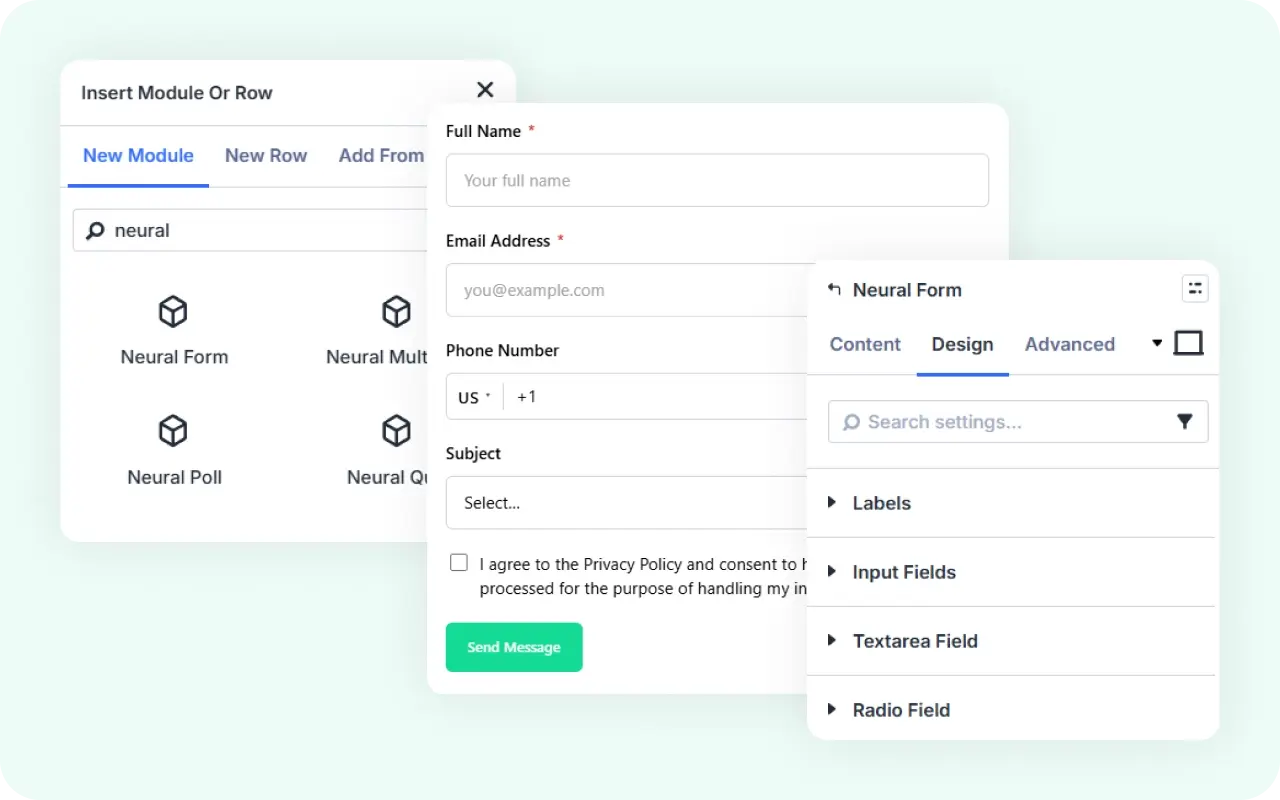
If you build with Divi, Neural Forms includes four modules that work inside the Divi Builder. Add one from the Builder’s module list and style it with Divi’s design tabs: fonts, colors, spacing, borders, and responsive settings per breakpoint. Changes show in the Visual Builder as you make them, with no shortcode or custom CSS. Each module uses Divi’s design controls and picks up your global fonts and colors by default, so a form matches the rest of the page until you decide to change it.
There are four modules, one for each type. Neural Forms places a form you built in the plugin onto the page, where you style its fields, labels, buttons, and spacing. Neural Multi Step splits a longer form into steps with a progress bar, and you lay out each step in the Builder. Neural Poll adds a one-question poll that visitors vote on and then see the results. Neural Quiz builds a quiz with scoring and a results screen. Each one is added and styled in Divi, so it stays part of your page layout.
Pricing that respects free
Neural Forms Lite is free forever on WordPress.org. The form builder, the inbox, the email notifications, the CAPTCHA, the CSV export, and 100 lifetime AI credits. No credit card, no trial period, no nag screens.
Starter is $99/year for 7,500 AI credits per year and unlimited sites. Agency is $199/year for 25,000 AI credits per year and unlimited sites. Pro plans add AI form generation, smart spam detection, draft polish and regenerate, the Divi 5 module, Matrix and Repeater fields, priority support, auto updates, and five native integrations: HubSpot, Mailchimp, Zapier, WhatsApp, and Google Forms.
If you run out of credits on a paid plan, top-up packs are available: $19 for 2,000 credits, $49 for 10,000, never expire.
Built by people who’ve shipped products for WordPress since 2015
Neural Forms is built by Elicus, the team behind DiviExtended, WPMozo, and Divi Plus. We’ve been shipping plugins for WordPress since 2015. We use our own form plugin to handle inbound on three of our own brands. The inbox you’re getting is the one we use every day to triage real customer conversations.
If you’ve been a DiviExtended customer, check your email for a discount code.
Get started
Neural Forms Lite is available on WordPress.org. Search for “Neural Forms” in your dashboard’s Add New Plugin screen, or download from neuralforms.ai.

Leave a Reply